
Nulls Brawl PC
Update Note: Download the latest Nulls Brawl for PC, and explore every extended feature of new update. (v69.230 is available to download)
What is Nulls Brawl PC?
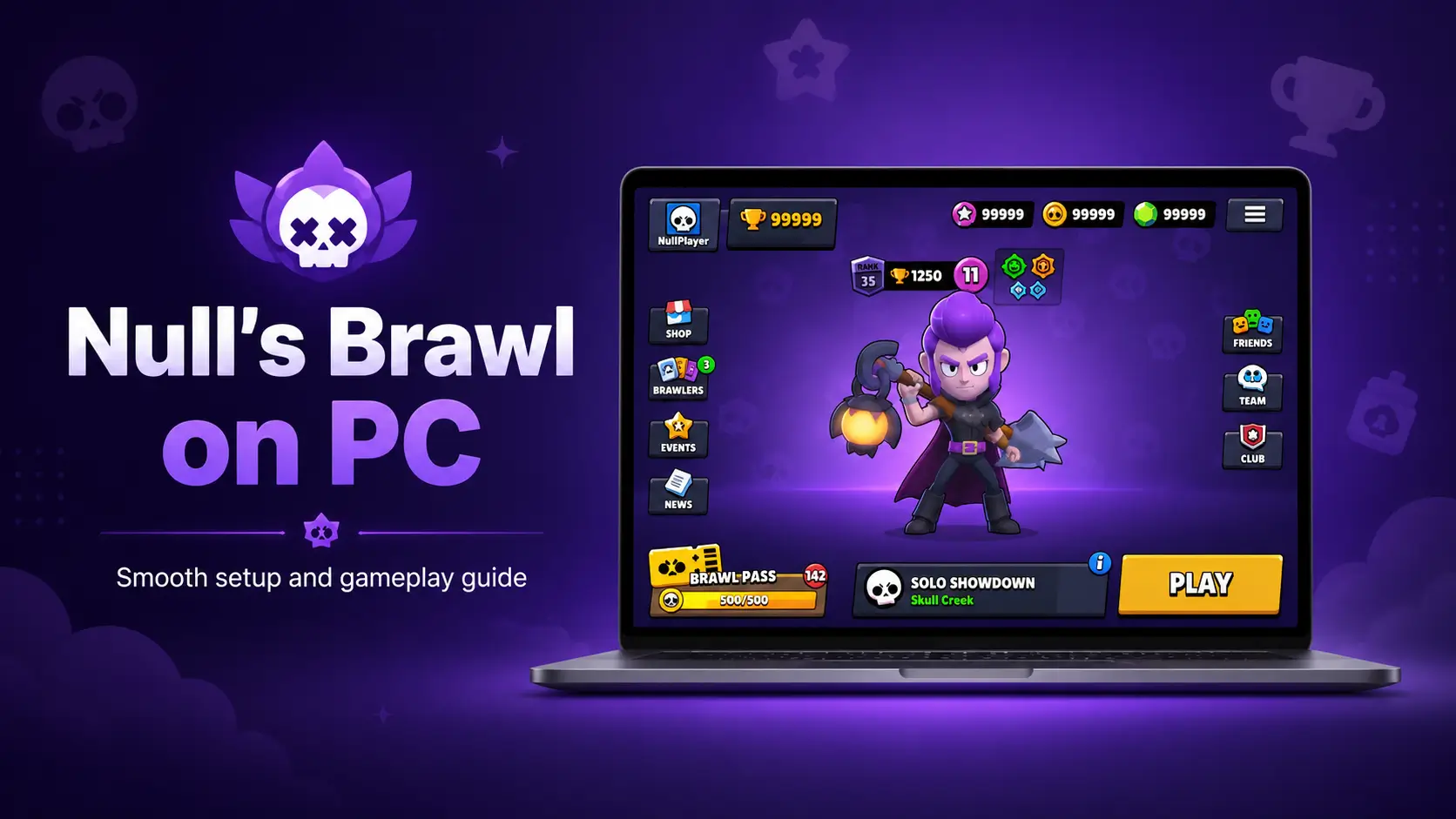
Nulls Brawl PC is a way to play the private server on a Windows computer or laptop with the help of an Android emulator. It brings the same unlocked brawlers, skins, resources, abilities, and multiplayer modes to a larger screen, but with better control options for desktop users. Keyboard mapping and mouse aiming can make movement, attacks, and Super activation feel more precise during fast matches.
Players can also adjust emulator settings such as resolution, frame rate, RAM, and CPU usage to match their system performance. Since it runs separately from the official Brawl Stars servers, all progress and account data remain within the private server environment. Furthermore we also recommend you to try Nulls Brawl for Android if you don,Tt want to play on PC.
How to Play Nulls Brawl on PC
Playing Nulls Brawl on PC gives players a wider view of the battlefield and better control through keyboard and mouse settings. Movement, aiming, Supers, gadgets, and quick attacks can be assigned to custom keys for faster reactions during matches. Players can enjoy modes like Gem Grab, Brawl Ball, Showdown, Knockout, and Friendly Battles while testing different brawlers and team combinations. Emulator settings such as frame rate, resolution, and sensitivity can also be adjusted for smoother performance and more accurate gameplay.
Download and Install of Nulls Brawl PC
Installing an APK on a PC can feel confusing, especially for first-time emulator users. Follow the simple steps below to download and install Nulls Brawl PC without unnecessary setup problems.
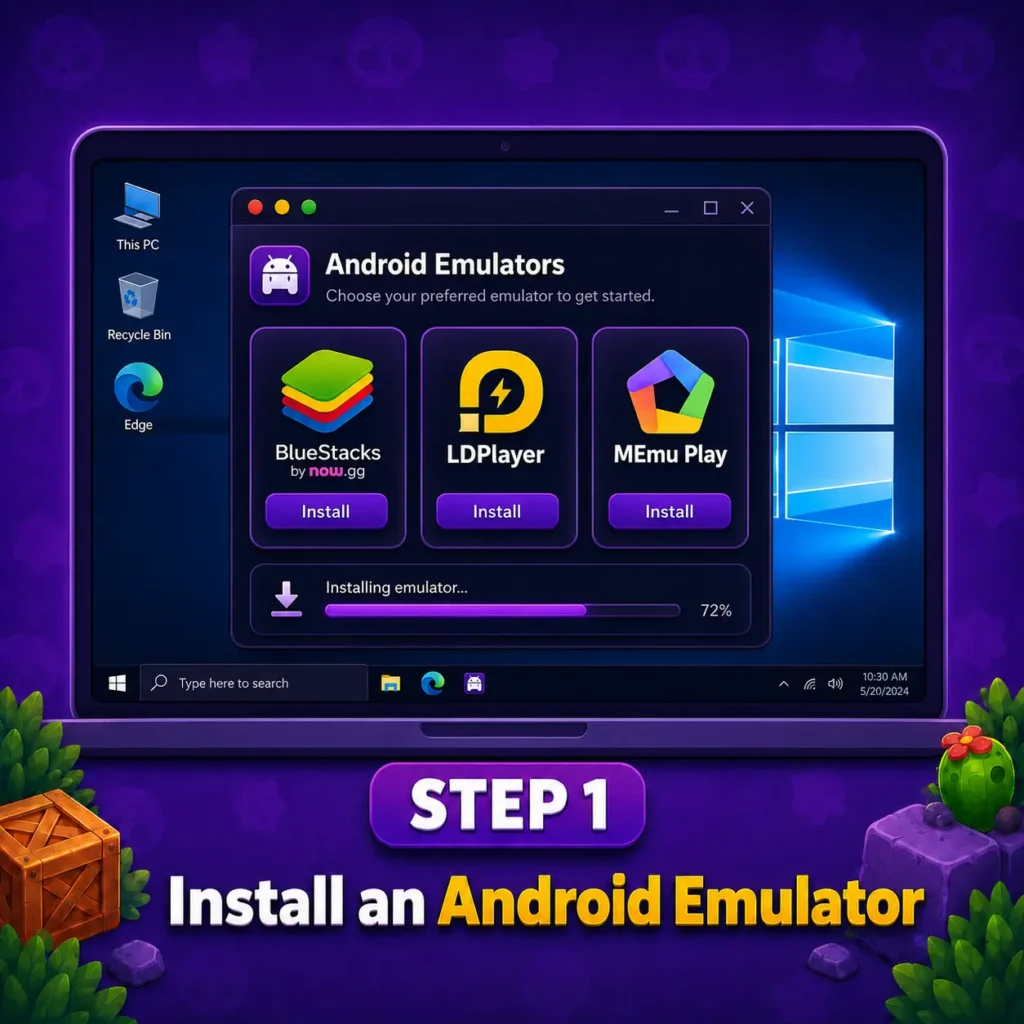
Install an Android Emulator
Install BlueStacks, LDPlayer, or MEmu Play on your Windows computer and complete the basic setup.
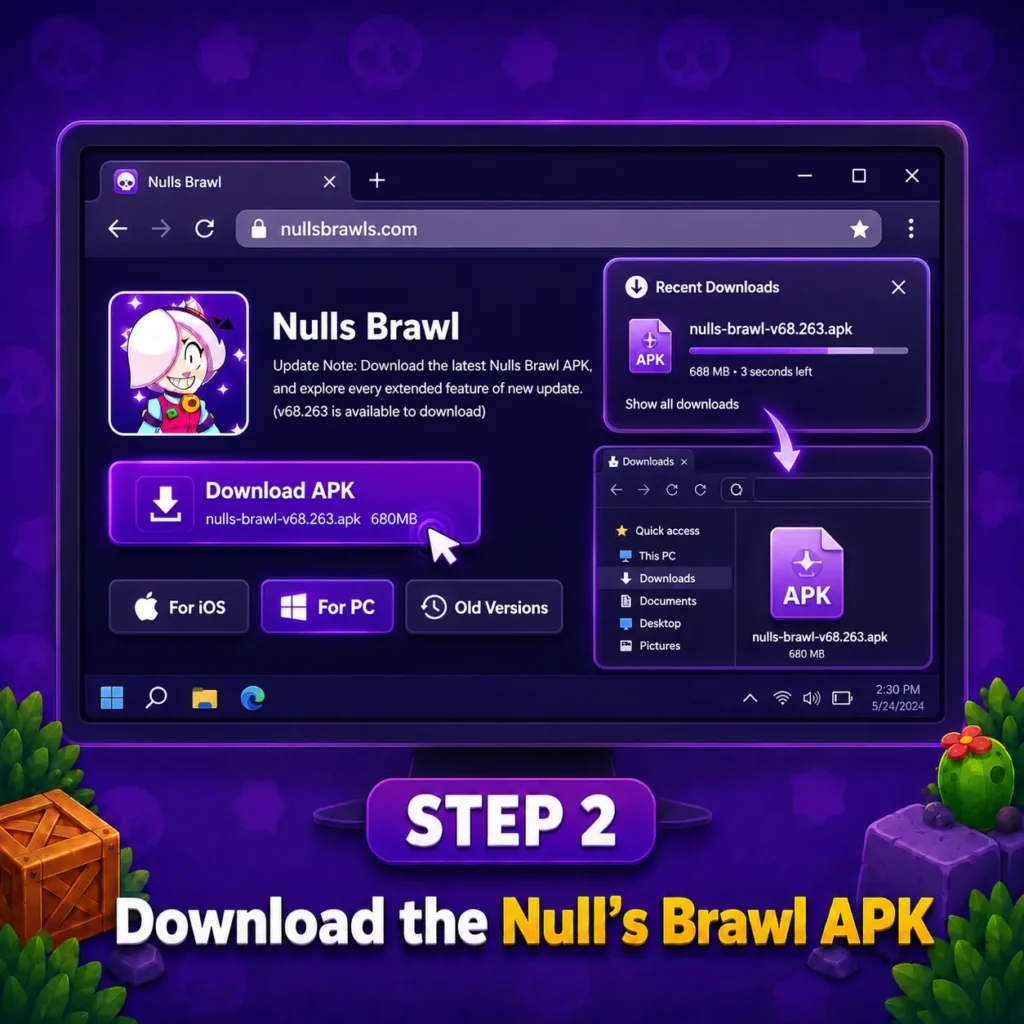
Download the Null’s Brawl APK
Download the current APK file from Nullsbrawll.com and save it in an easy-to-find folder on your PC.
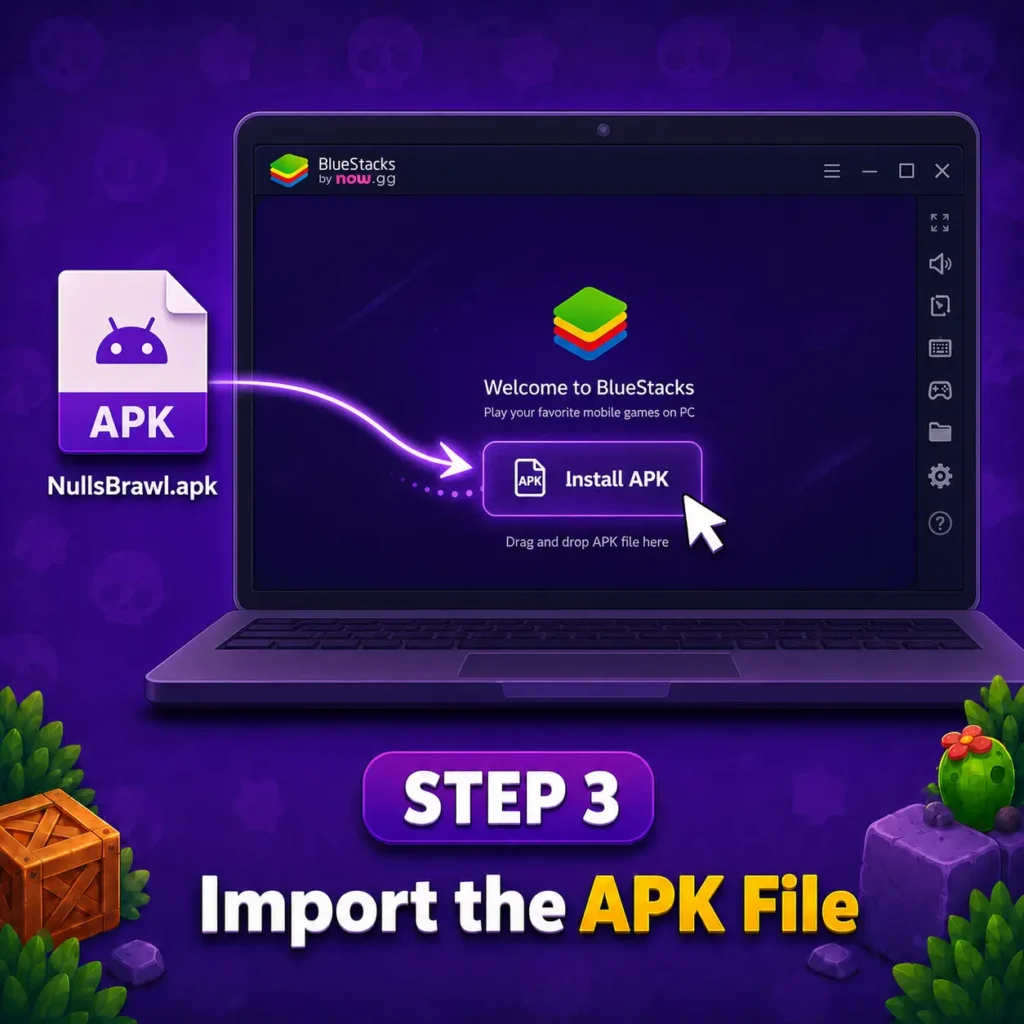
Import the APK File
Open the emulator, select the APK installation option, and import the downloaded file from your computer.
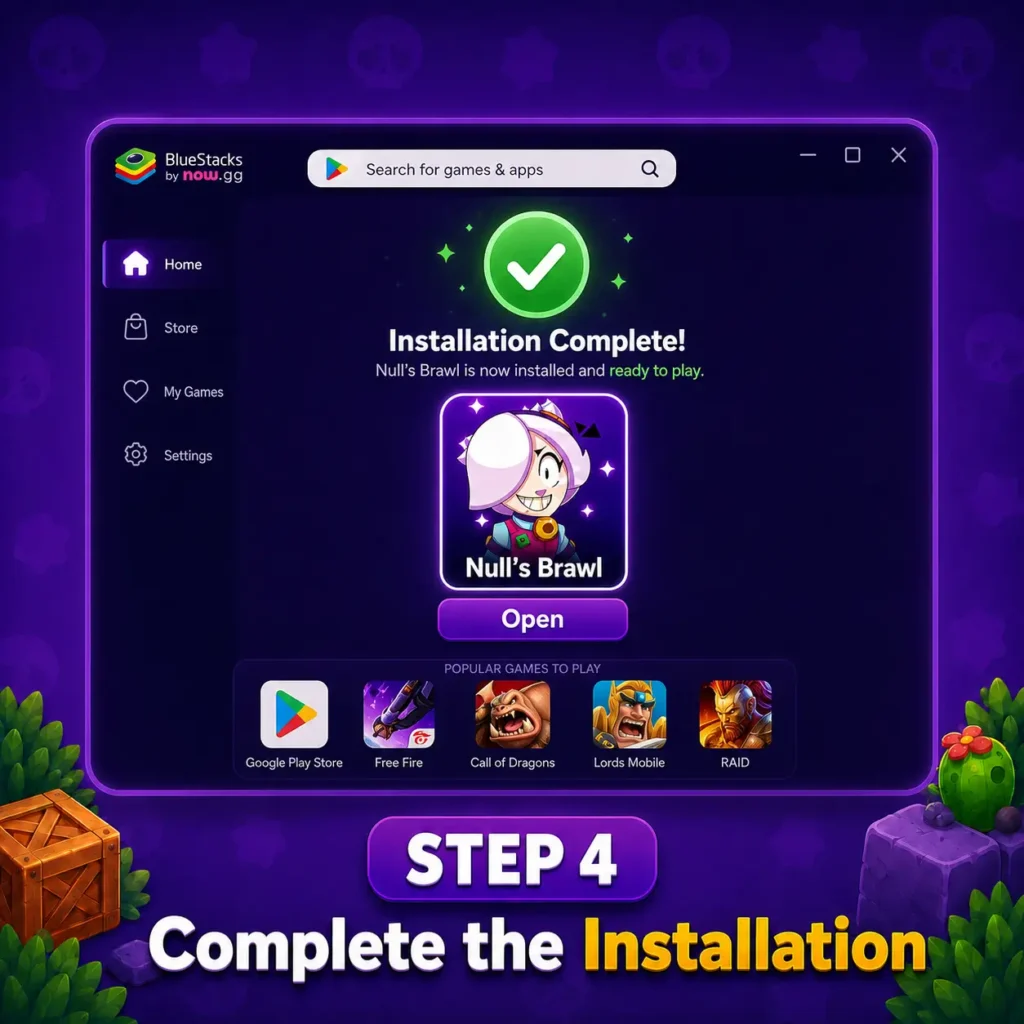
Complete the Installation
Wait for the installation to finish, then open Null’s Brawl from the emulator’s home screen.
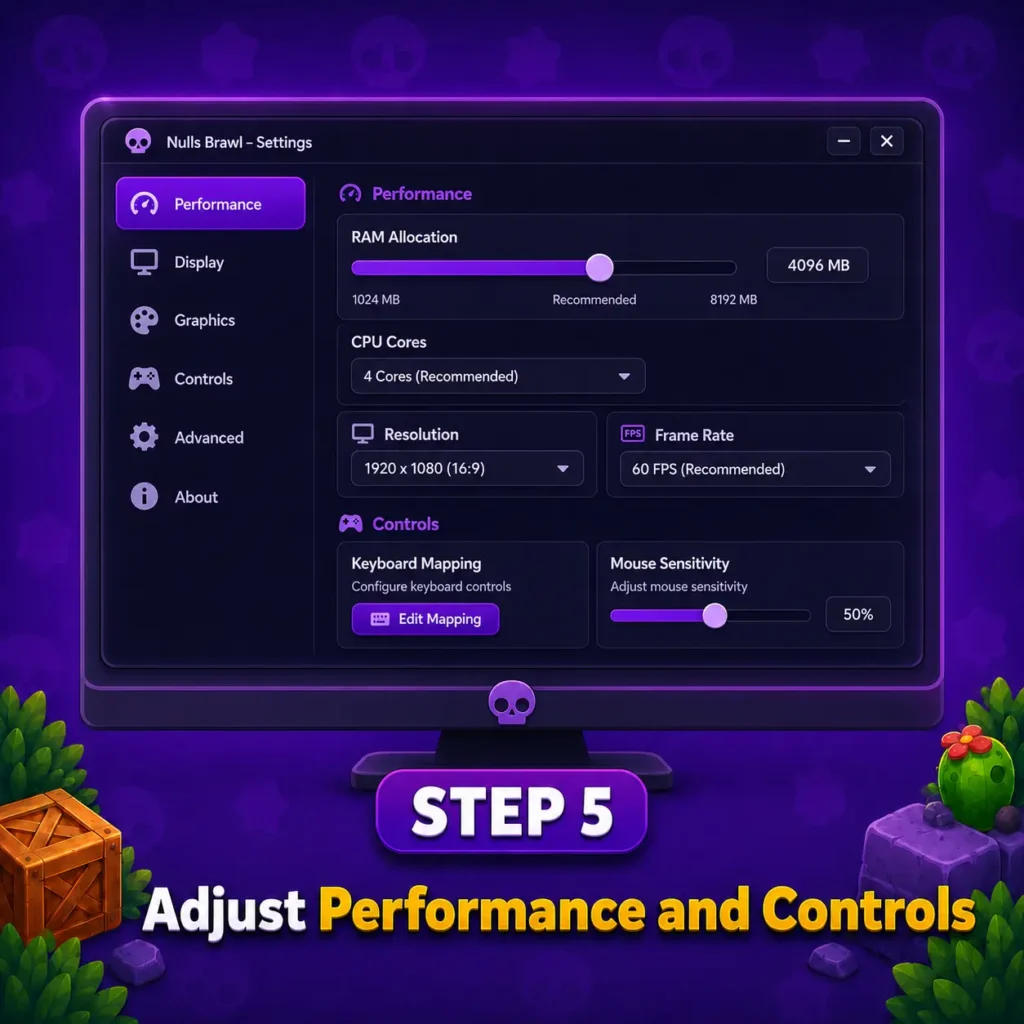
Adjust Performance and Controls
Wait for the installation to finish, then open Null’s Brawl from the emulator’s home screen.
Adjust Performance and Controls
Set the RAM, resolution, frame rate, keyboard mapping, and mouse sensitivity according to your PC specifications.
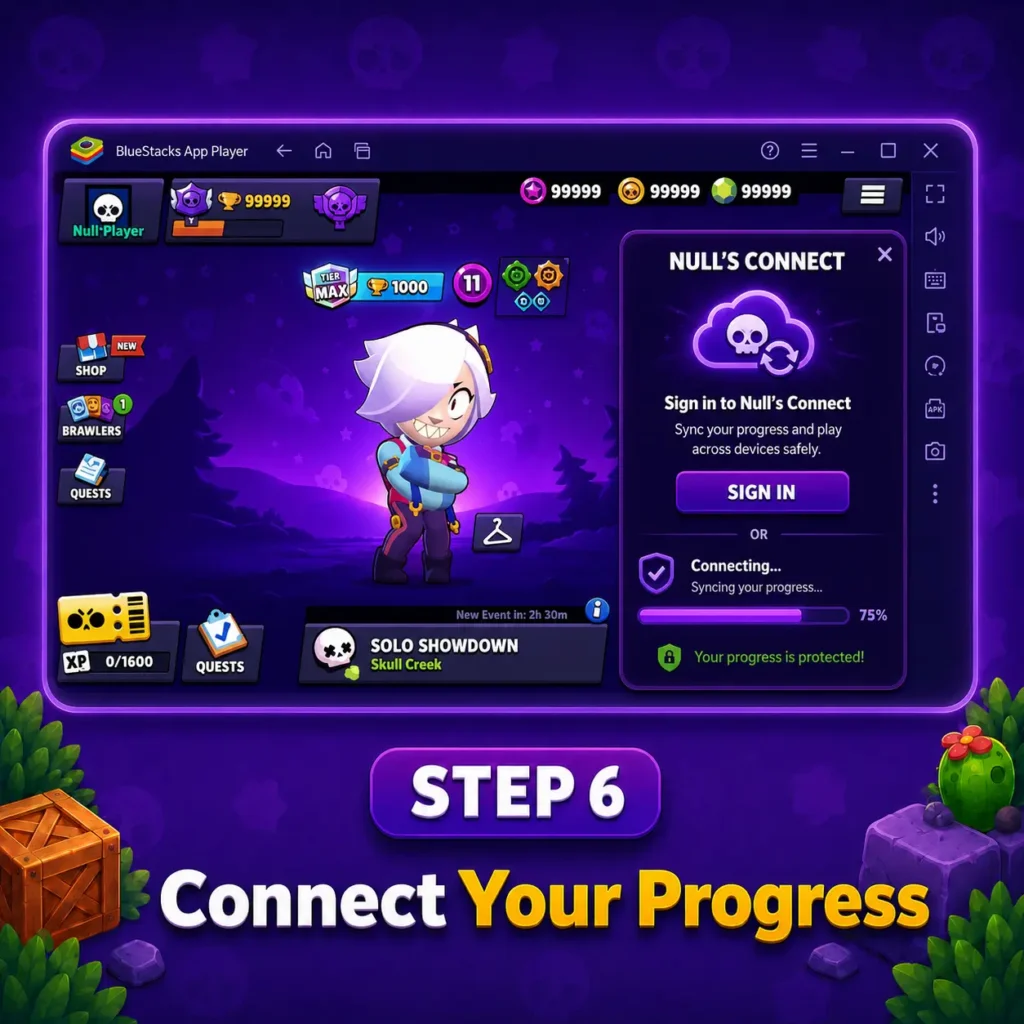
Installation Screenshot of Null Brawl PC
Nulls Brawl PC vs Mobile
| Feature | PC | Mobile |
| Screen Size | Larger display makes maps and enemy movement easier to follow | Smaller screen offers a more compact view |
| Controls | Keyboard and mouse allow custom key mapping and precise aiming | Touch controls feel direct and familiar |
| Performance | Emulator settings can improve frame rate, resolution, and sensitivity | Performance depends on the phone’s hardware and battery |
| Portability | Best for playing at a fixed desk or laptop setup | Easy to play anywhere on a phone or tablet |
| Long Sessions | Better suited for extended play without battery drain | Long sessions may cause battery loss or device heating |
| Installation | Requires an Android emulator and APK setup | APK can be installed directly on a compatible Android device |
Why Play Nulls Brawl on PC
Playing Null’s Brawl on PC gives users a larger display, steadier controls, and more space to track enemies during fast matches. Keyboard mapping and mouse input can make aiming, movement, gadgets, and Supers easier to manage than touch controls. It also suits players who prefer longer sessions, adjustable graphics, and smoother multitasking on a Windows computer or laptop. Some of these are given below
Features of Nulls Brawl PC
Bigger Screen More Visibility
A larger PC display makes it easier to follow enemy movement, map routes, projectiles, and objectives during fast battles. Better visibility also helps Null Brawl PC players react quickly, position brawlers carefully, and manage team fights with more control.
Precise Mouse Aiming
Mouse controls make it easier to aim attacks, track moving enemies, and place Supers with better accuracy. This gives PC players more control during close fights, long-range battles, and fast team encounters.
Faster Upgrades
Unlocked resources help players upgrade brawlers and test stronger builds without long waiting times.This makes progression quicker and gives PC users more freedom to try different team setups.
Intense Battles
Fast matches and responsive controls keep every battle active and engaging.
PC players can react quickly, aim better, and enjoy smoother action.
Variety of Game Modes
Players of Nulls brawl pc can switch between Showdown, Brawl Ball, Gem Grab, Knockout, and custom battles for a more varied PC experience.
No Battery Drain
Playing Nulls Brawl on a PC removes the battery drain and overheating problems often faced during long mobile sessions. A desktop or laptop can handle extended matches more comfortably, especially with proper emulator and cooling settings.
Nulls Brawl PC Keyboard Controls
Keyboard mapping replaces touchscreen buttons with familiar PC controls, making movement, aiming, and ability use easier during battles. Players can change each key through the emulator settings according to their comfort and playing style.
| Action | Suggested Control |
| Move Brawler | W, A, S, D |
| Aim | Mouse Movement |
| Basic Attack | Left Mouse Button |
| Use Super | Right Mouse Button |
| Activate Gadget | E |
| Activate Hypercharge | R |
| Open Menu or Go Back | Esc |
What Makes Nulls Brawl Better on PC?
Pros and Cons of Nulls Brawl PC
My Honest Review
Playing Nulls Brawl on PC feels more comfortable because the larger screen makes maps, enemies, and objectives easier to follow. Keyboard controls and mouse aiming give better control during fast matches, especially in modes like Showdown, Brawl Ball, and Knockout. With the right emulator settings, gameplay feels smoother and longer sessions become easier without mobile battery drain or heating issues.
Quick Summary
Null’s Brawl PC is a practical choice for players who prefer a larger screen, keyboard controls, and smoother performance during longer sessions. With the right emulator settings, users can enjoy unlocked content, multiplayer battles, and custom modes more comfortably. A stable internet connection and updated emulator will help keep gameplay responsive and reduce common performance issues.