Nulls Brawl Discord Server Link: How to Join Discord Server?
What Is the Null’s Brawl Discord Server?
The Null’s Brawl Discord server is an online community space connected to the Null’s private server network. It allows members to receive announcements, talk about gameplay, discuss technical problems, and communicate with players from different regions.
Unlike the Nulls Brawl itself, Discord does not provide unlocked brawlers, gems, or account progress. It works as a communication platform where users can follow development news, ask questions, share feedback, and learn more about current server conditions.
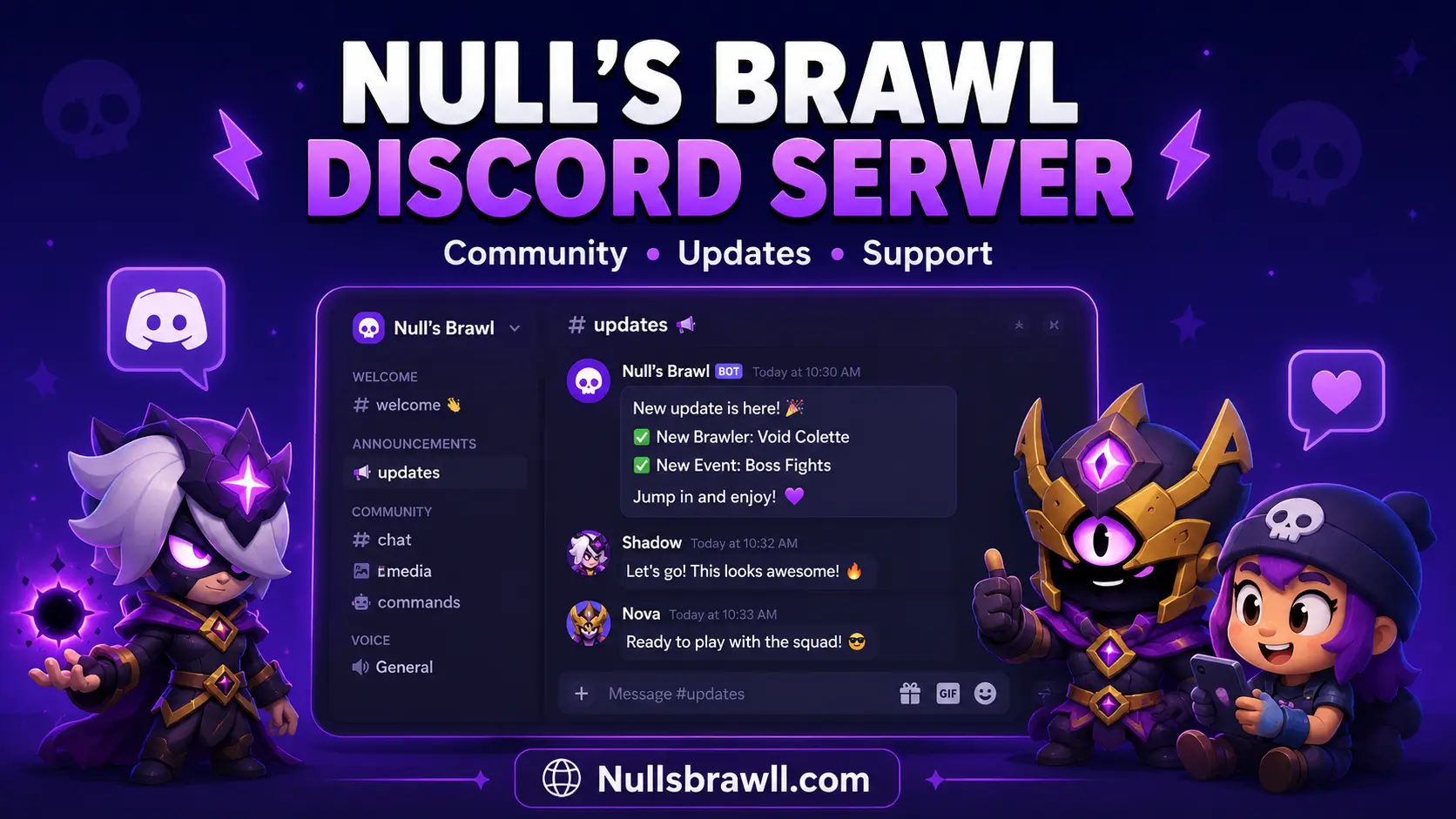
Null’s Brawl Discord Server Overview
| Detail | Information |
| Community Focus | Null’s Brawl and other Null’s private servers |
| Main Purpose | News, discussions, troubleshooting, and player interaction |
| Access Method | Official Discord invite published through Null’s sources |
| Supported Platforms | Android, iOS, Windows, macOS, and web browser |
| Cost | Free to join |
| Account Required | A valid Discord account |
| Game Developer | Null’s Team |
| Affiliation | Separate from Supercell and official Brawl Stars support |
Why Join the Null’s Brawl Discord Community?
Discord can provide faster access to community discussions when players are waiting for an update or experiencing a technical problem. Instead of relying on random websites or outdated social posts, members can compare information with other users following the same private server.
It is also useful for finding players, discussing brawler builds, sharing match strategies, and learning how others resolved installation or connection errors. However, advice from ordinary members should still be checked carefully before changing files, profiles, or account settings.
Update Announcements
Announcement sections help members follow news about new versions, maintenance periods, brawlers, skins, events, and server changes. This can be helpful when the game is temporarily unavailable or an update has not yet reached every supported platform.
Installation and Technical Help
Community discussions may help with APK installation, IPA signing, emulator setup, loading errors, and private server connection problems. Users should describe their device, operating system, and error message clearly to receive a more relevant answer.
Player Discussions
Members can discuss brawler abilities, game modes, team combinations, maps, balance adjustments, and special events. These conversations can help players understand new mechanics before entering multiplayer or competitive matches.
Community Interaction
Discord gives players a place to communicate outside the game, meet other community members, and take part in server discussions. Depending on the current setup, users may also find language-based sections, event notices, polls, or feedback channels.
Nulls Brawl Discord Server Link How to join?
Use the Discord link published on the official Null’s website or forum rather than joining through an unknown server-listing page. This reduces the risk of entering an imitation community that uses the Null’s name without permission.
- Visit the official Null’s website.
- Find the section containing its news and community sources.
- Select the Discord option.
- Sign in to an existing Discord account or create a new one.
- Accept the invitation to join the community.
- Read the visible rules and verification instructions.
- Complete any required verification before accessing other channels.
Invite addresses can expire or change over time. When an old link stops working, return to the official Null’s website instead of searching for replacement links in random comments or unofficial downloads.
Important Discord Rules to Follow
Members should read the current Discord rules after joining because moderation policies and channel requirements may change. Respectful behavior helps keep update discussions, support requests, and general chat useful for everyone.
- Do not insult, threaten, harass, or target other members.
- Avoid spam, repeated messages, and unnecessary mentions.
- Never impersonate Null’s Team staff or Discord moderators.
- Do not advertise unrelated websites, servers, or downloads.
- Avoid sharing exploits, cheats, or methods that create unfair advantages.
- Never sell accounts, clubs, services, or private server access.
- Keep conversations inside the appropriate channels.
- Follow moderator instructions and Discord’s platform rules.
Breaking community rules can result in warnings, restricted access, temporary removal, or a permanent ban. Creating another account to avoid moderation may lead to further action.
How to Ask for Technical Support
A clear support request is more likely to receive a useful response than a message such as “game not working.” Before posting, check recent announcements to see whether the server is under maintenance or experiencing a known outage.
Include the following details when requesting help:
- Device model
- Android, iOS, or Windows version
- Current Null’s Brawl version
- Installation method used
- Exact error message
- Screenshot with private information hidden
- Steps already attempted
Do not publicly post passwords, email verification codes, Apple ID details, Discord tokens, or other sensitive information. Genuine moderators should not need your password to investigate a common installation or connection problem.
Common Problems Discussed on Discord
| Problem | Useful Information to Check |
| Game stuck while connecting | Server announcements, internet connection, and current version |
| APK not installing | Free storage, Android compatibility, and file source |
| IPA no longer opening | Signing certificate, developer profile, and installation method |
| Emulator lag | RAM allocation, virtualization, graphics driver, and frame rate |
| Null’s Connect error | Login details, server availability, and network stability |
| Update not appearing | Platform release status and official announcement channels |
Discord can help identify whether a problem affects one player or the wider community. However, users should follow official installation instructions rather than downloading replacement files sent privately by strangers.
How to Avoid Scams and Fake Staff
Popular gaming communities often attract fake giveaways, imitation moderators, malicious downloads, and suspicious direct messages. Treat unexpected offers carefully, even when the sender uses a familiar profile picture or claims to represent the Null’s Team.
Never share login credentials or install files sent through an unsolicited direct message. Avoid anyone promising exclusive accounts, unlimited paid rewards, special staff roles, or early access in exchange for money or personal information.
A safer approach is to:
- Disable direct messages from unknown server members.
- Confirm staff roles inside the server before responding.
- Download game files only through trusted Null’s sources.
- Avoid shortened or unfamiliar links.
- Use two-factor authentication on Discord.
- Report suspicious accounts to the moderation team.
Discord, Forum, or Telegram: Which Should You Use?
Each community platform serves a slightly different purpose. Discord suits live conversations, while the forum is easier to search when looking for older questions and detailed discussions.
| Platform | Best Used For |
| Discord | Live news, quick discussions, community interaction, and current issues |
| Null’s Forum | Searchable guides, longer support topics, reports, and archived answers |
| Telegram | Short announcements and mobile-friendly update notifications |
| Official Website | Downloads, server information, rules, FAQs, and verified community links |
Using more than one official source can help confirm update information. This is particularly useful when community messages are unclear or a private server release is delayed.
Benefits of Joining the Null’s Discord Server
- Follow private server announcements in one place.
- Discuss new brawlers, skins, events, and balance changes.
- Check whether connection problems affect other players.
- Learn from community troubleshooting discussions.
- Find players interested in Friendly Battles or team modes.
- Share feedback without relying on random social media pages.
- Access discussions about other Null’s Team servers.
Final Words
The Null’s Brawl Discord server is a useful community hub for players who want update discussions, troubleshooting help, gameplay conversations, and access to other Null’s users. It can make it easier to understand server problems and follow release news without depending on scattered social posts.
For a safer experience, join through an official Null’s source, read the community rules, protect your account details, and avoid files sent through unexpected direct messages. Discord is most helpful when used alongside the official Null’s website, forum, and other verified news channels.